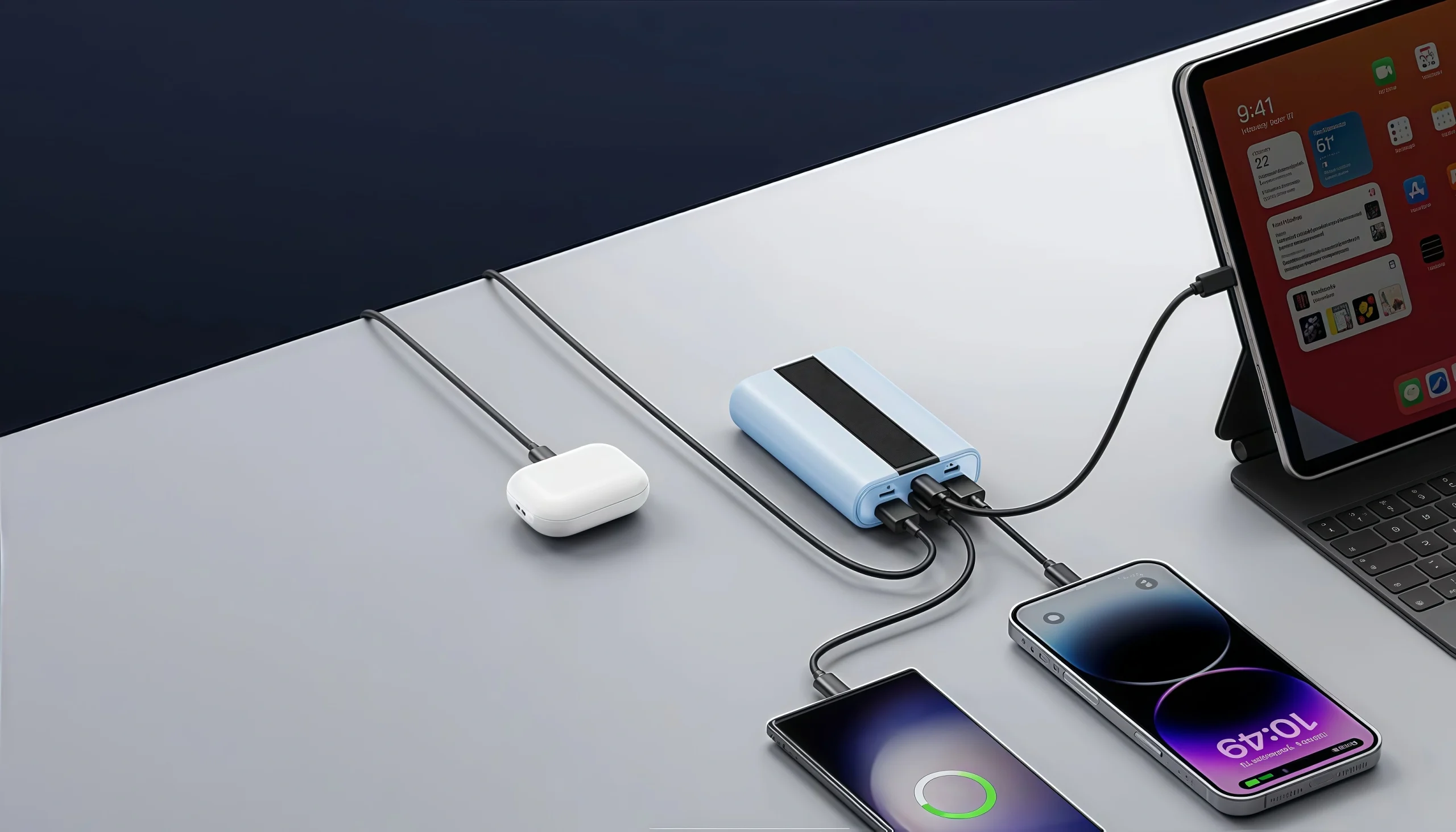
Power banks are essential gadgets for keeping devices charged on the go. Yet, it can be frustrating when your power bank refuses to charge. Before rushing to buy a new one, there are simple diagnostic steps you can take to identify whether the problem lies with the charger, charging cables, ports, or the internal battery cells. Here are 5 effective methods to troubleshoot a power bank that won’t charge.
1. Check Your Charger and Cable
The most common culprit is often the charger or cable. Make sure you are using a high-quality charger with at least a 5V/2A output. Charging through laptops or old USB ports may not provide sufficient current. Also, cables frequently fail—test with a different, certified charging cable to rule this out. More than 60% of charging failures come from defective or incompatible cables.1
2. Inspect and Clean Charging Ports
Dust, lint, or debris inside the power bank’s charging ports can disrupt the connection. Carefully inspect the input and output ports for dirt or bent pins. Use a toothpick, dry brush, or compressed air to clean the ports gently. This simple step often restores charging function.2
3. Test Power Bank Battery Health
If your power bank is still not charging, the internal battery cells might be damaged or deeply discharged. To check the battery health, you can use a USB power meter or multimeter to measure the voltage and current output. A fully charged power bank typically shows about 4.2V to 4.4V. Low voltage readings may indicate a failing battery cell or internal damage.3
4. Attempt a Reset or Long-Duration Charging
Some power banks have a reset function accessed by holding the power button or pressing a small reset pinhole. Resetting can recalibrate the battery management system. Additionally, deeply discharged batteries sometimes take hours to respond. Leave your power bank connected to a known working charger for 4 to 6 hours, even if the indicator lights remain off initially.45
5. Assess for Battery Swelling or Physical Damage
A swollen power bank battery is a sign of battery failure and can pose safety risks including fire or toxic leaks. Excessive heat, overcharging, deep discharges, or age can cause swelling. If you notice bulging or physical damage, immediately stop using the power bank and dispose of it safely. Do not attempt to repair it yourself.6
By following these five troubleshooting methods, it’s possible to identify and sometimes fix the issue with your power bank before considering replacement. Always use reputable chargers and cables, keep the charging ports clean, and monitor battery health to extend the life of your portable charger.
If problems persist after these checks, consult the manufacturer’s support or consider purchasing a new power bank for reliable performance.